
Video 02
I put my pure C GUI framework on phones
 Watch on YouTube (opens in a new tab)
Watch on YouTube (opens in a new tab)
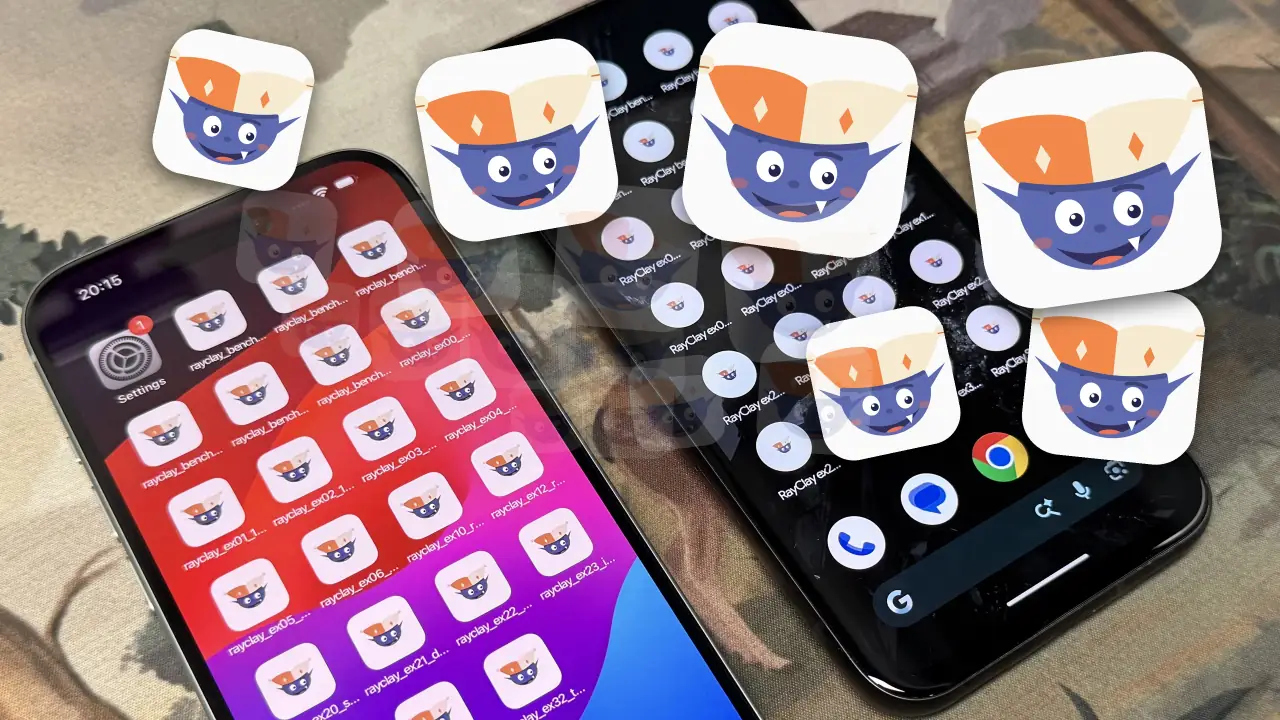
Alright, so RayClay v0.9 has just released, and we now build on mobile phones. So here I have most of our examples on an iPhone. I released 17 examples and 6 bench apps, so I have most of them here, but I am missing a few. And I thought I'd just run through some of these examples, because like here, for example 0, this is literally two lines of code. It's as simple as it gets, this is the Hello World example.
And examples one through six: one is a calculator, two, let's see, is this 1990s GUI. They're all less than 500 lines of code, except example five, this one, the 2020s GUI, it's like 700 lines of code. But the point is you can make a massive variety of GUIs. These ones are themed by decade, starting in the 80s and then up to the 2020s. And all of these apps, so here's a to-do app, they're mostly functional, but again they're just examples to demonstrate the RayClay API, so you can learn, or your AI agent can learn, how to use it essentially. And all of these apps are written in pure C, and I go over the benefits of using pure C in the last video. And the lines of code you have to write really is very minimal and on par with, say, a JavaScript framework.
On GitHub
- ex01_1980s_gui on GitHub (opens in a new tab)
- ex02_1990s_gui on GitHub (opens in a new tab)
- ex03_2000s_gui on GitHub (opens in a new tab)
- ex04_2010s_gui on GitHub (opens in a new tab)
- ex05_2020s_gui on GitHub (opens in a new tab)
- ex06_cpp_kanban on GitHub (opens in a new tab)
- bench/gallery on GitHub (opens in a new tab)
Example 20 is probably my favourite. It's just a simple telemetry monitor, but a great demonstration of how C is far more powerful than other programming languages, because you can get high speed live telemetry data, which JavaScript simply is too slow to read meaningfully. Like, JavaScript reading telemetry data is kind of like if the sun blew up right now, us on planet Earth would only find out eight minutes later. That's kind of what it's like using JavaScript to read live telemetry data, because it's just so slow.
But you can see all of these GUIs look super modern. I could maybe have put a bit more effort into these examples, but I was trying to get this release out, and I think you can still see that you can make just about any GUI that you can think of. And if you look at the code, you'll see the devx is great. Considering this is a pure C framework, it really should feel more like using a JavaScript framework than writing in a C framework. But to be clear, we are a pure C framework.
On GitHub
And maybe now switch over to Android. This is a Google Pixel. I think it had a few more of the examples, I'm not too sure. Like, this is a form, which is a pretty typical thing to have on an application, and a create an account form. Yeah, these are the kind of things that the examples are. Oh, I think one of the examples, let's see if I can find it, this one is the system monitor again. Where is it? Dude, I really should have labelled these, or put a number on these icons, because I can't find, I can't see the full names of the examples. This one, yeah.
On GitHub
So this example is pretty neat. You can just see all the different kinds of widgets that you can build, and icons, etc. It's all very standard stuff. Yeah, graphs, bar charts, line charts, etc. And also another cool thing with RayClay, which other C applications don't have. Can I... there we go, this button. You can see that we can update icon colours, and you can update size, etc. at runtime. A lot of C or C++ or other low level frameworks, I found, you have to actually provide frame by frame images to show animations or something in the application, but RayClay works with SVGs really well. So yeah, you can see it's not an issue here. I'm dynamically changing these SVG colours. I mean, this was a feature of the last version too.
And I'll just go on the telemetry app, just because I like it. Look at memory, for example. And ultimately I think it's clear we've got a variety of apps here, and you can kind of build whatever you want, which is what any good framework allows you to do.
And we're now on the third device, or machine. Now I'm going to switch over to this Mac, and I'll open up the system monitor again, which is pretty cool. So here's what it looks like on Mac. And another cool feature of version 0.9, which is the version I've been talking about, is it supports floating windows. So I can pop out this window here, and we have a floating window, which is also pretty cool, and it's actually surprisingly difficult to implement, but here it is.
Oh, and while I'm here, another cool thing that I thought I'd mention is you can hide the title bar. So here I have this fold button. You can see I can hide the title bar. I think I have Command T, yeah, Command T mapped to hiding the title bar. You don't even have to have a colour here, I just have it because it looks neat, I think. But this is a pretty nice thing, which really I don't see any applications doing. Oftentimes the title bar is really just a waste of space, or an eyesore of applications. I know some note taking applications or IDEs use it for putting tabs in it and stuff, but in an application like this, where it just has the name of the application and then the title bar action buttons, then really, giving the user the opportunity to hide the title bar, I mean, I think it's just a neat thing to have. You gain some space in the application, and it just looks way cleaner. In particular for this dashboard style application, I think this looks really good, and I'm quite surprised that other apps don't have this feature, probably because some frameworks don't really have proper control over the title bar, or it's just buggy. If you're developing an app with RayClay, a desktop app, I'd encourage you to at least give your users the optionality to hide the title bar if it's not containing anything useful for your app.
But that's it, that's a quick intro to the main features with the latest RayClay release. So happy building!